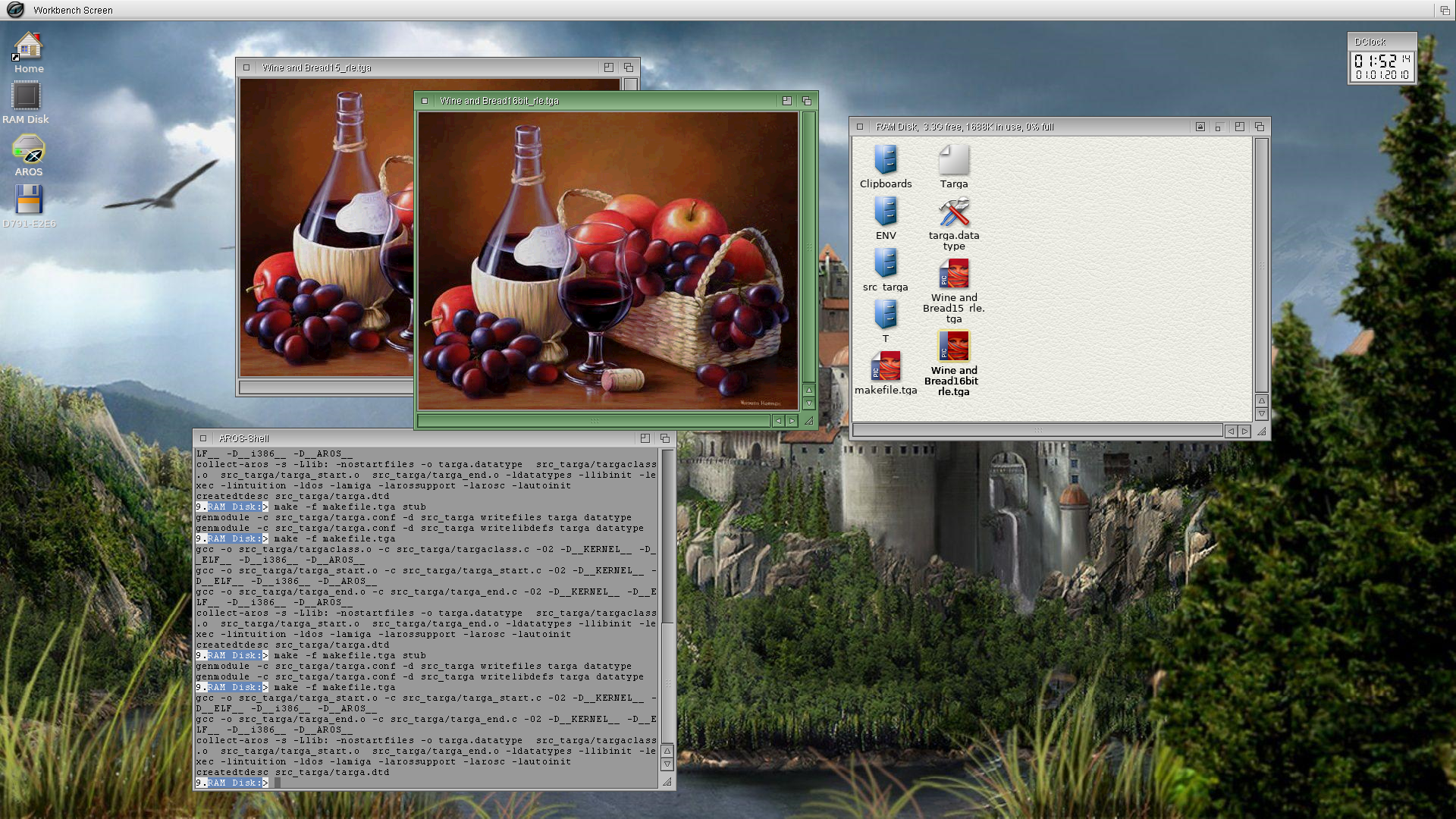
Success! Adjusting the WriteRLE line length using "width" instead of "width*2" solved it. Now it works great when saving Targa 16bit RLE.
Now to fix 8bit RLE.
Edited by miker1264 on 22-05-2026 22:48,
7 days ago
miker1264 attached the following image:
Actually, My WriteRLE function in Targa Datatype is working great !
At first I thought there was an error in the RLE conversion because the program I was using to make RLE compressed test images wouldn't open the newly encoded 8bit files.
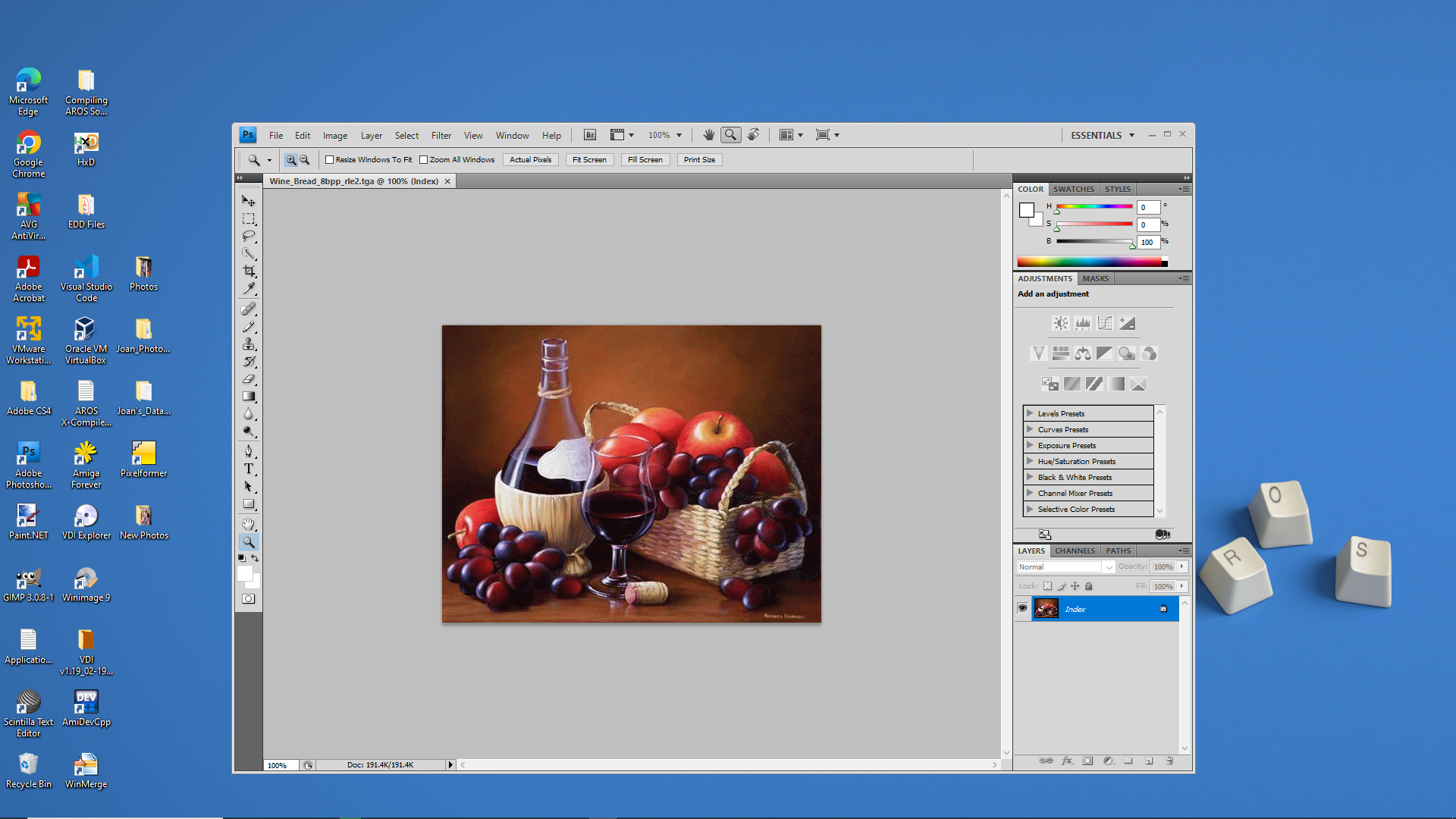
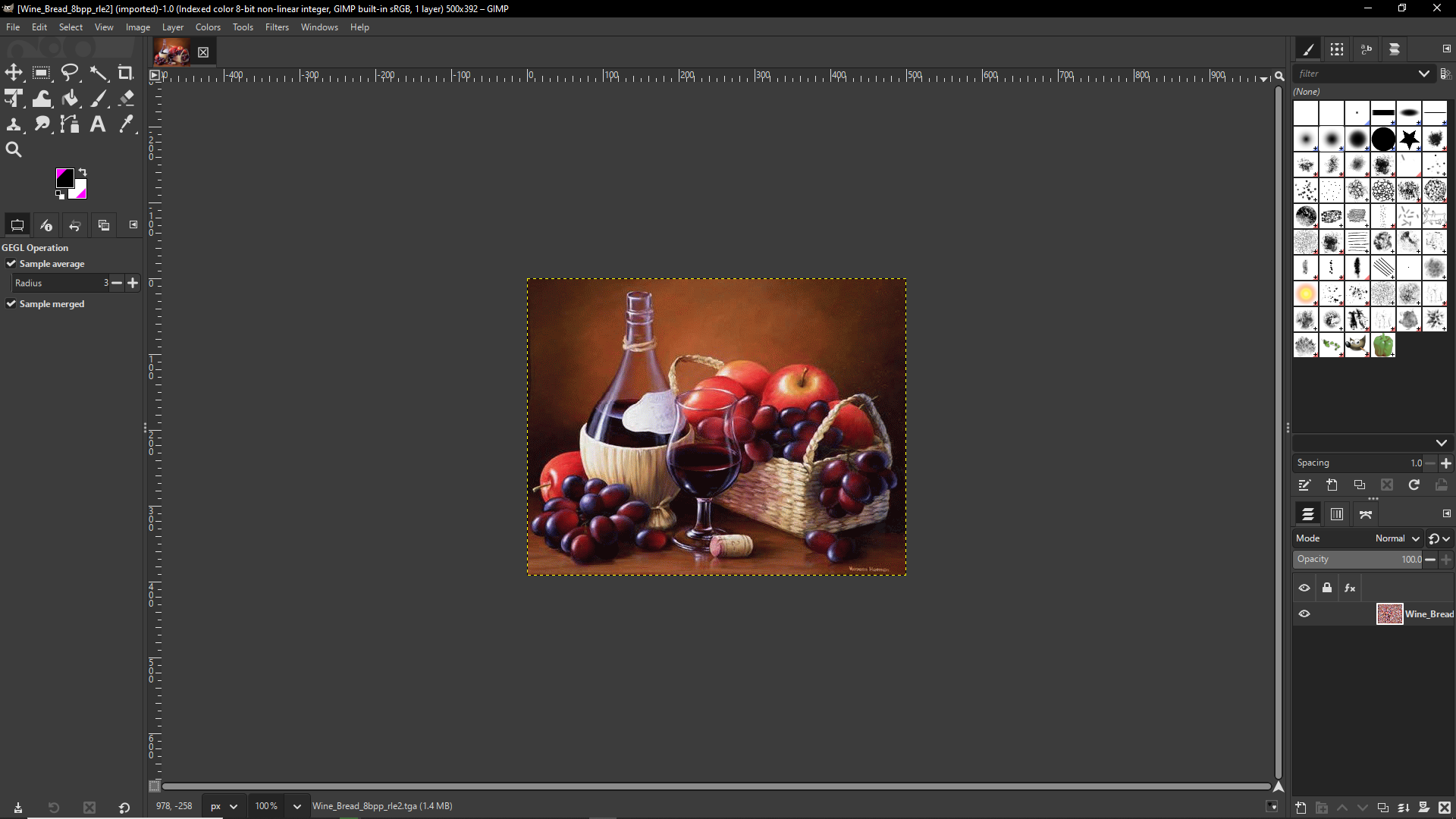
Pixelformer kept saying "Invalid Data". But Photoshop CS4, Gimp and PaintDotNet and even MultiView had no issues with the new 8bit RLE file.
So it seems my new Targa Datatype can correctly encode RLE for 8,16,24,32 bit images!!
miker1264 attached the following image:
The screenshot shows MultiView using Targa Datatype opening the newly compressed 8bit RLE image.
Pixelformer has some strange RLE sequences that are an RLE variant rather than PackBits. For example it writes a sequence similar to this: "04 AA BB CC DD.EE 00" where my WriteRLE function does this: "05 AA BB.CC DD EE". Pixelformer adds a zero as a padding byte at the end.
It's not standard RLE but it can be read by Targa Datatype. It has no problem using ReadTarga to decode the non-standard RLE sequences. Pixelformer, however, is very picky!! If it's not the format it expects it says "Invalid Data" for the 8bit RLE.
The other screenshot is my current version of 32bit AROS Native. I'll update my system files. Also, I plan to install AROS One x86 and x86-64 in a virtual machine for testing.
Edited by miker1264 on 24-05-2026 16:02,
5 days ago
miker1264 attached the following image:
You may be wondering if Targa Datatype is fully functional what is the delay? Why not release it now?
In my opinion it's not 100% complete. I have to re-write some parts & add a few new features.
For ReadTarga & WriteTarga I want to support adding the Targa Footer "TRUEVISION-XFILE.. because the 8 bytes proceeding the Targa Footer is the Developers Area with optional data. We also have to support GREY8 images which are 8bit images with no ColorMap. And lastly, ReadTarga has to set CmpByteRun1 in the bmhd if the input image is RLE compressed.
After all that it will be complete.
Edited by miker1264 on 24-05-2026 17:11,
5 days agoFor my testing environment I was going to use AROS One but I've decided that I only need a minimal system that is easy to update. So I'm downloading the AROS AVIv0 stable build ISO to test the latest version.
I'm in the process of updating my ABIv0 and ABIv11 Build Systems.
 AMIGASYSTEMDistro Maintainer
Posted
4 days agoBut please note that Stable versions do not include the numerous updates and improvements that might cause conflicts or regressions.
I recommend updating the Stable builds before using them.
For example, ABIv11 updated to U3 via Grub supports native displays on VMware, VirtualBox and QEMU.
AMIGASYSTEM
That is good to know about updating the stable builds. The one I'm using for x86 is the U3 version of ABIv0.
Also, it's good to have test systems setup in virtual machines for quickly testing new software. But I have a couple Native Installations of AROS One x86. I'm very pleased with them.
The x86 stable system build ISO installed quickly but it will need some customization. So I'm installing AROS One x86 in the meantime. It's more complete. :-)
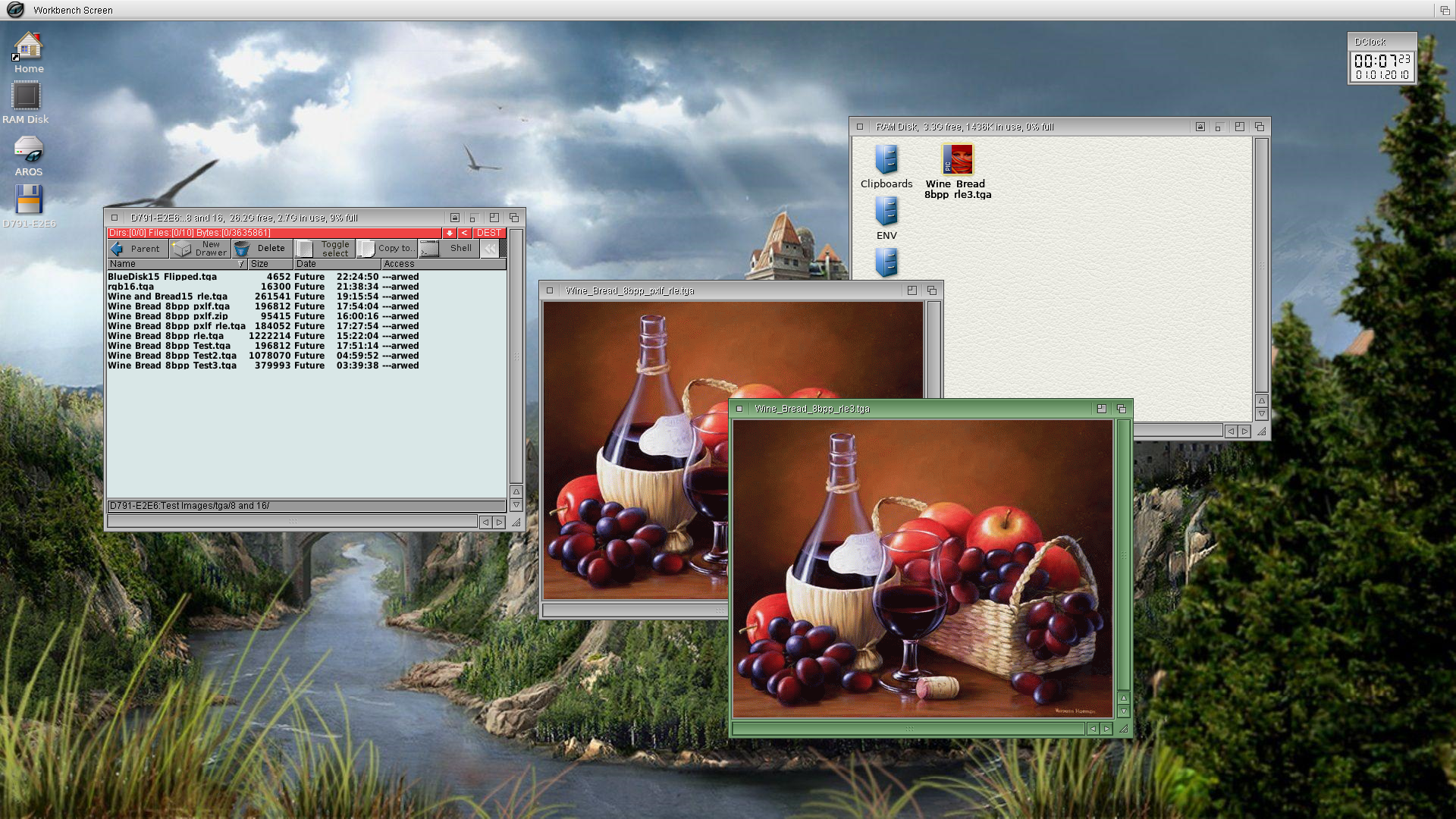
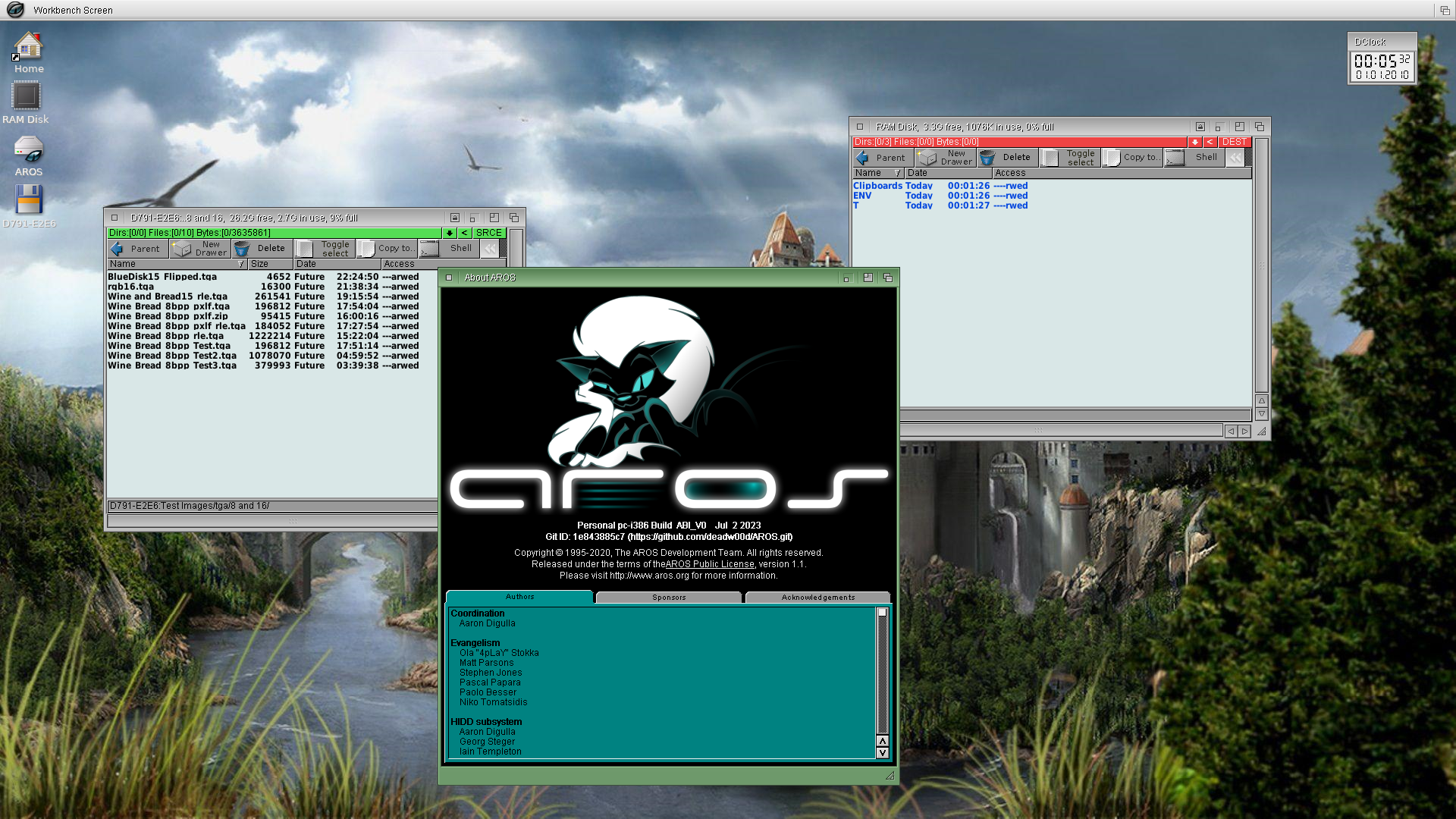
Here are some screenshots of my new 32bit test environment in VirtualBox. The native version is faster and more responsive. But Virtual Box is easier for testing.
It's based on the U3 stable version for ABIv0 which has the latest system files. It works with the latest ABIv0 Build System for compiling.
As is the tradition we have the before and after the customizing.
The full screen picture is the native AROS on real hardware. The two windowed ones are before & after in a Virtual Box virtual machine.
Edited by miker1264 on 26-05-2026 20:36,
3 days ago
miker1264 attached the following image:
The conversion didn't take long. I first made a complete backup of my native installation to an SD card.
After attaching the SD card in Virtual Box the first thing to setup was Magellan. Then I mostly copied the appearance items, backgrounds, icons, Themes and Theme Manager.
I call my "distro" AeROS Desktop. It's a Light Installation of AROS with the look and feel of Icaros Desktop. :-)
But I have a couple of issues. Theme Manager is an AmiLUA script but the program needs to be re-compiled for ABIv0. However, I can't find sources for AmiLUA. Also, the version of MultiView in the U3 stable version doesn't have Project->Save As that I need for datatype testing. So I have to compile my MultiView version 1.8 or I could just update the version 1.7 in the repository then compile it. :-)
Setting up AbIv11 testing environment will be similar to this procedure. That's the next step. And refreshing my AROS sources. :-)
Edited by miker1264 on 27-05-2026 10:08,
2 days agoSo it looks like I will need to update the current MultiView. At a minimum I may need to add Project->Save As, Edit, and Zoom functions which have been updated. DTConvert is used with the Export function. Edit uses MultiView Icon Tooltypes to open your editor of choice. These will be some nice additions to MultiView.
Some of the OM_NEW return types had to be edited for several Datatypes to get them to work properly with DTConvert. DTConvert should be rewritten as MUI/Zune.
Sometimes I feel like there are so many projects but time is limited.
Edited by miker1264 on 27-05-2026 11:15,
2 days agoSuccess!!
I updated the version of MultiView in the sources from 1.7 to 1.8 by adding "Save As" and "Edit File".
This version doesn't use strings.h instead it uses MultiView catalogs. So it was really easy to update it.
Since EXPORT and EDIT options are set in the MultiView Icon Tooltypes we can assign FFMedia or DTConvert or whichever converter.
Later I'll add the Zoom functions then it will be complete and ready to commit to the code repository.
See screenshots...
Edited by miker1264 on 28-05-2026 10:20,
1 day ago
miker1264 attached the following image: