Oh no! Where's the JavaScript?
Your Web browser does not have JavaScript enabled or does not support JavaScript. Please enable JavaScript on your Web browser to properly view this Web site, or upgrade to a Web browser that does support JavaScript.

FAQ or help thread for users new to AROS & Amiga-like systems?

Last updated on 3 hours ago
M
matteoJunior Member
Posted 14 hours ago
maybe create a discussion group, a project.
Which icons, Which colors, which folder...
M
miker1264Software Dev
Posted 14 hours ago
@ntromans
As far as welcoming new users I remember the excitement & the fascination of using Amiga-In-a-Box for the first time! It looked so fresh.

But more importantly there was the handshake icon called "Welcome!" that you noticed right away. When you click it a welcome text shows.

AROS could that too with several PDF User Guides in a documents drawer to welcome new users.

And as far as the default look and feel maybe we could have a small "Extras" package that can be installed with a script after initial basic setup of the bare system files.
Edited by miker1264 on 26-08-2026 10:40, 14 hours ago
M
matteoJunior Member
Posted 13 hours ago
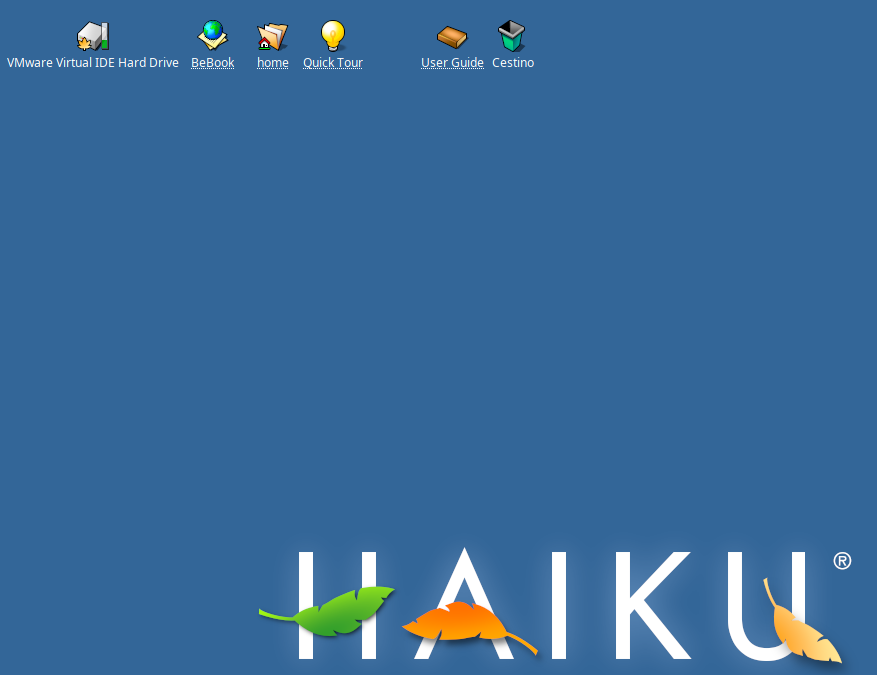
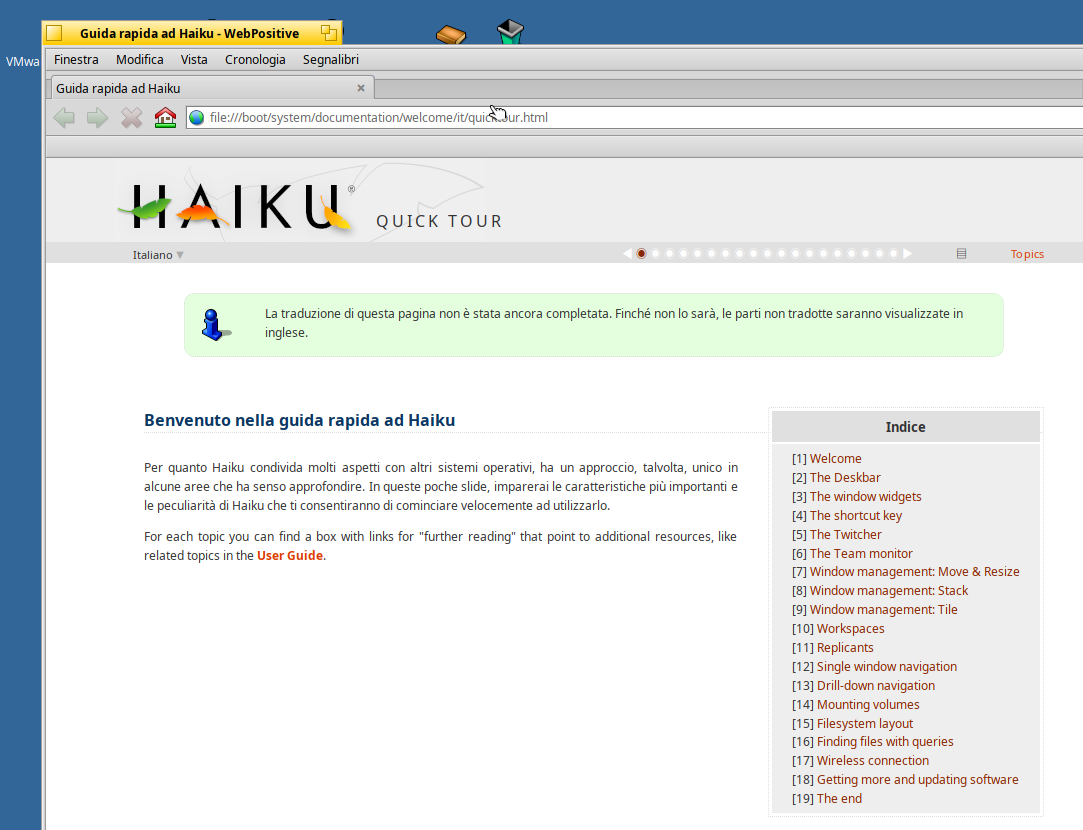
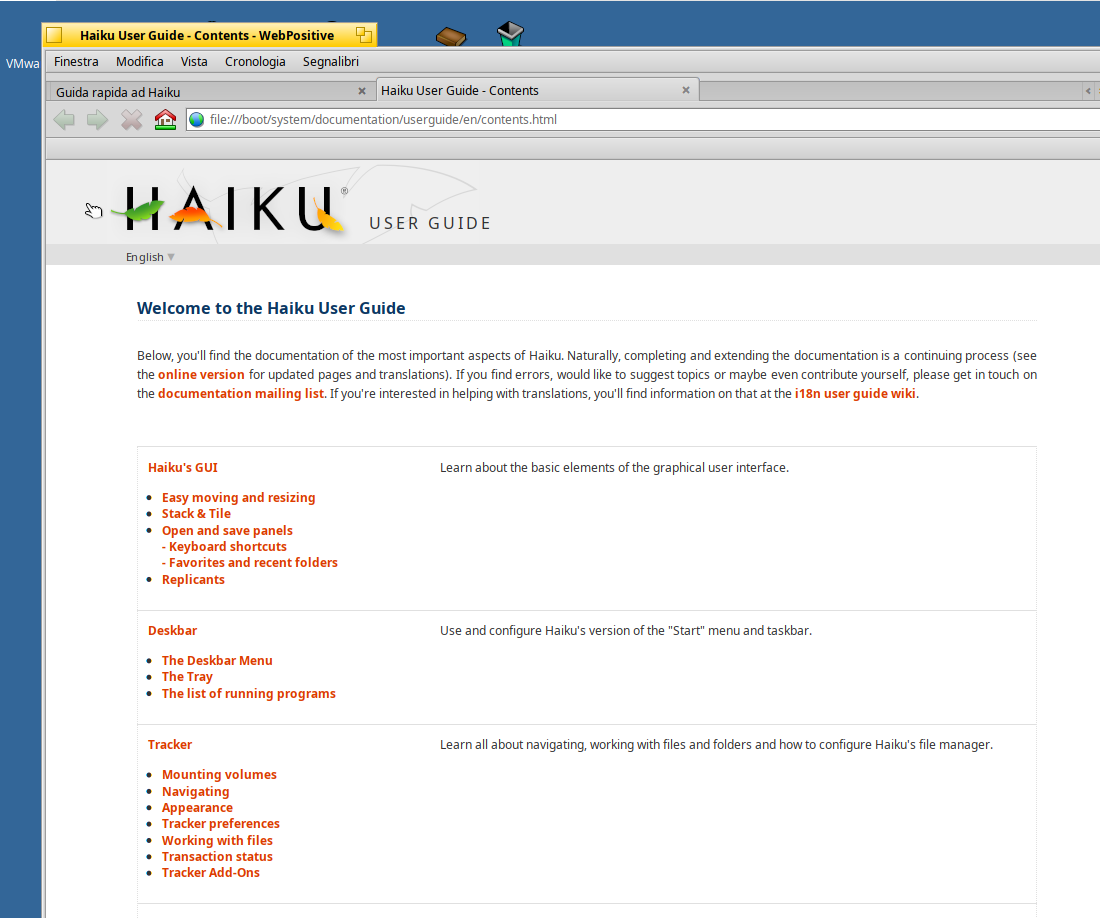
haiku: quick tour and userguide in desktop as soon you install
matteo attached the following image:
haiku.png haiku2.png haiku3.png
M
miker1264Software Dev
Posted 13 hours ago

matteo wrote:

@matteo - maybe create a discussion group, a project.
Which icons, Which colors, which folder...


I already have a good concept for the AROS Default Look. It only involves a slight modification to the theme that would make a big change!

I'll paint a mockup image of what it will look like later today.

When you delete the theme file in AROS the default blue-grey Amiga-like window theme appears. It looks very similar to the Amiga OS 3.1 theme and I believe it's in the Rom. That is the starting point to make a few colored default themes from. Maybe blue-grey, green, brown, purple, red & background to match. Caffeine OS uses similar themes.
Edited by miker1264 on 26-08-2026 11:30, 13 hours ago
AMIGASYSTEMAMIGASYSTEMDistro Maintainer
Posted 13 hours ago
@matteo
I see you're ignoring my posts. If you're interested in AROS, you can find all the information you want online.
At AROS, we don't like small talk we like concrete facts.

http://www.aros.o...roduction/

https://en.wikibo.../User/Docs
M
matteoJunior Member
Posted 13 hours ago
as a final user i need a user guide on how to use aros, how to search for programs, ho install programs..
I need on desktop at first install

Then i need a browser, i need to read a pdf, a need 2 games to test, i need 2 images to watch how multiviews work, i need a video to play and see how aros play video, i need to know where save my test, my documents.

i need to find a program, the browser on desktop and not in "extra" folder.. and so on.

I don't need to know how to develop zune.
AMIGASYSTEMAMIGASYSTEMDistro Maintainer
Posted 11 hours ago
If you want all of this, forget about the builds and download AROS One or other distributions!

https://sites.goo...ew/arosone


There's documentation on AROS One, but if that's not enough, I can give you all the information here:

https://www.arosw...post_12092
O
OlafSchMember
Posted 10 hours ago

matteo wrote:

@matteo - as a final user i need a user guide on how to use aros, how to search for programs, ho install programs..
I need on desktop at first install

Then i need a browser, i need to read a pdf, a need 2 games to test, i need 2 images to watch how multiviews work, i need a video to play and see how aros play video, i need to know where save my test, my documents.

i need to find a program, the browser on desktop and not in "extra" folder.. and so on.

I don't need to know how to develop zune.


welcome

and as amigasystem wrote, you need a distribution for end user

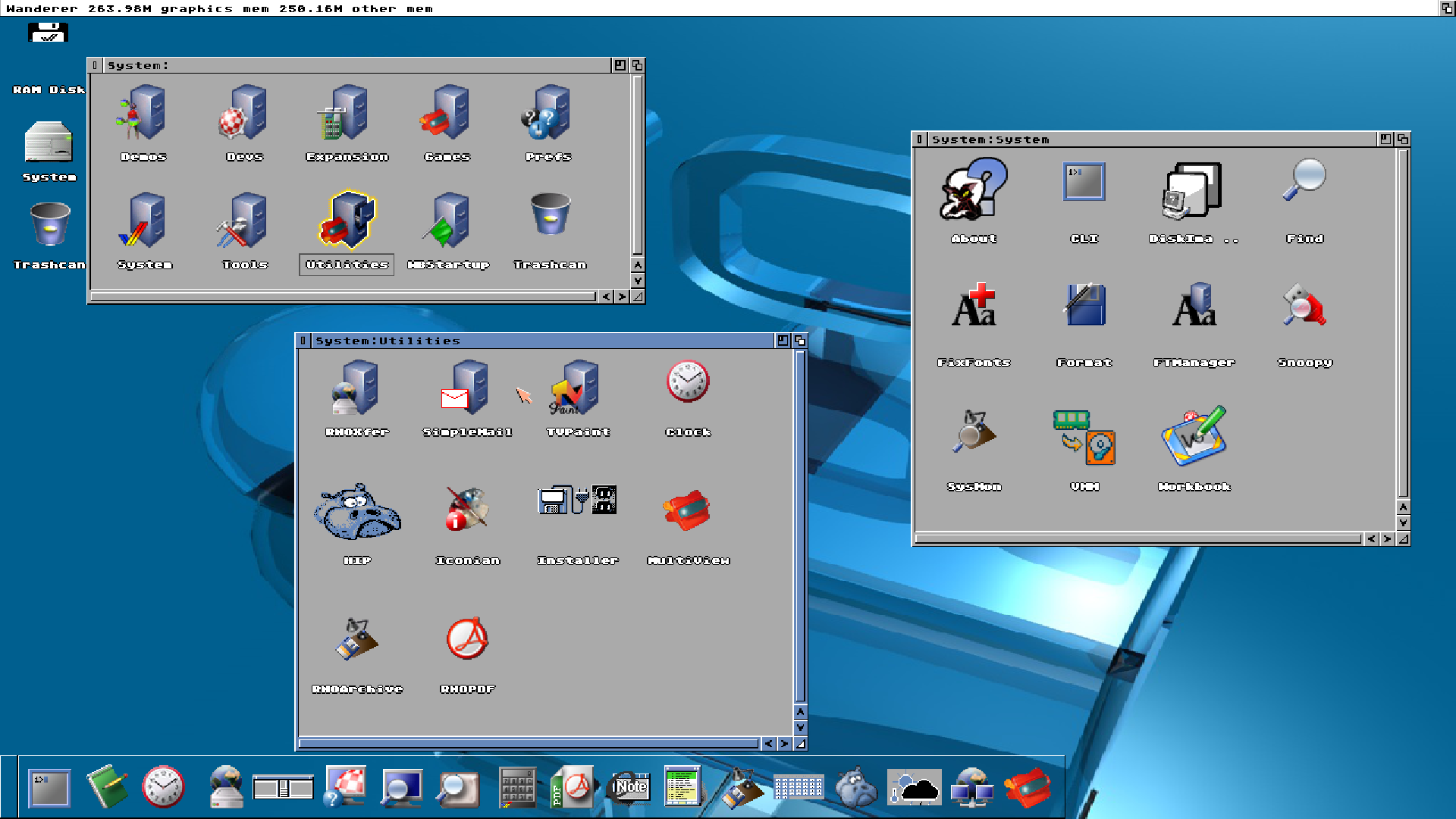
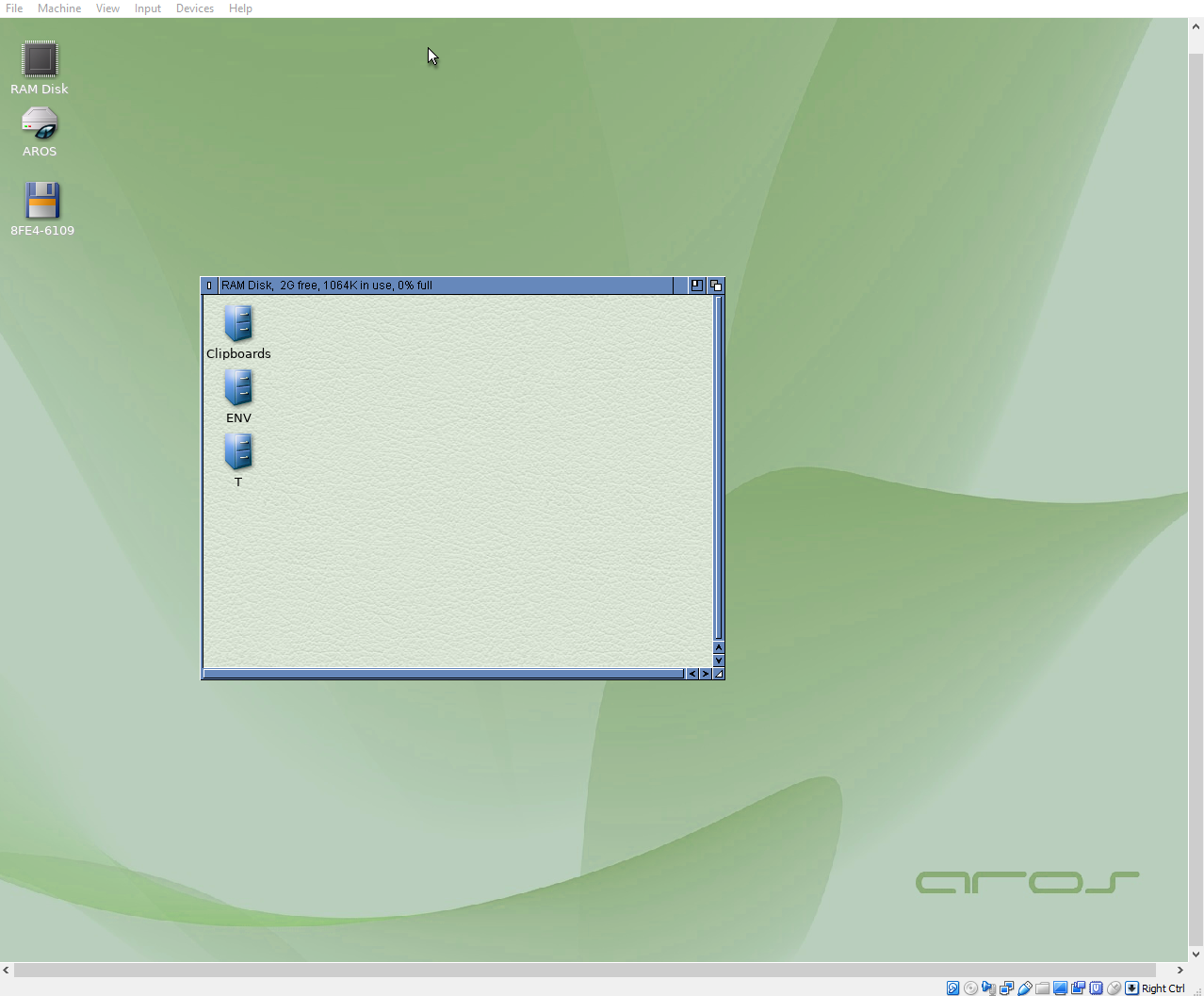
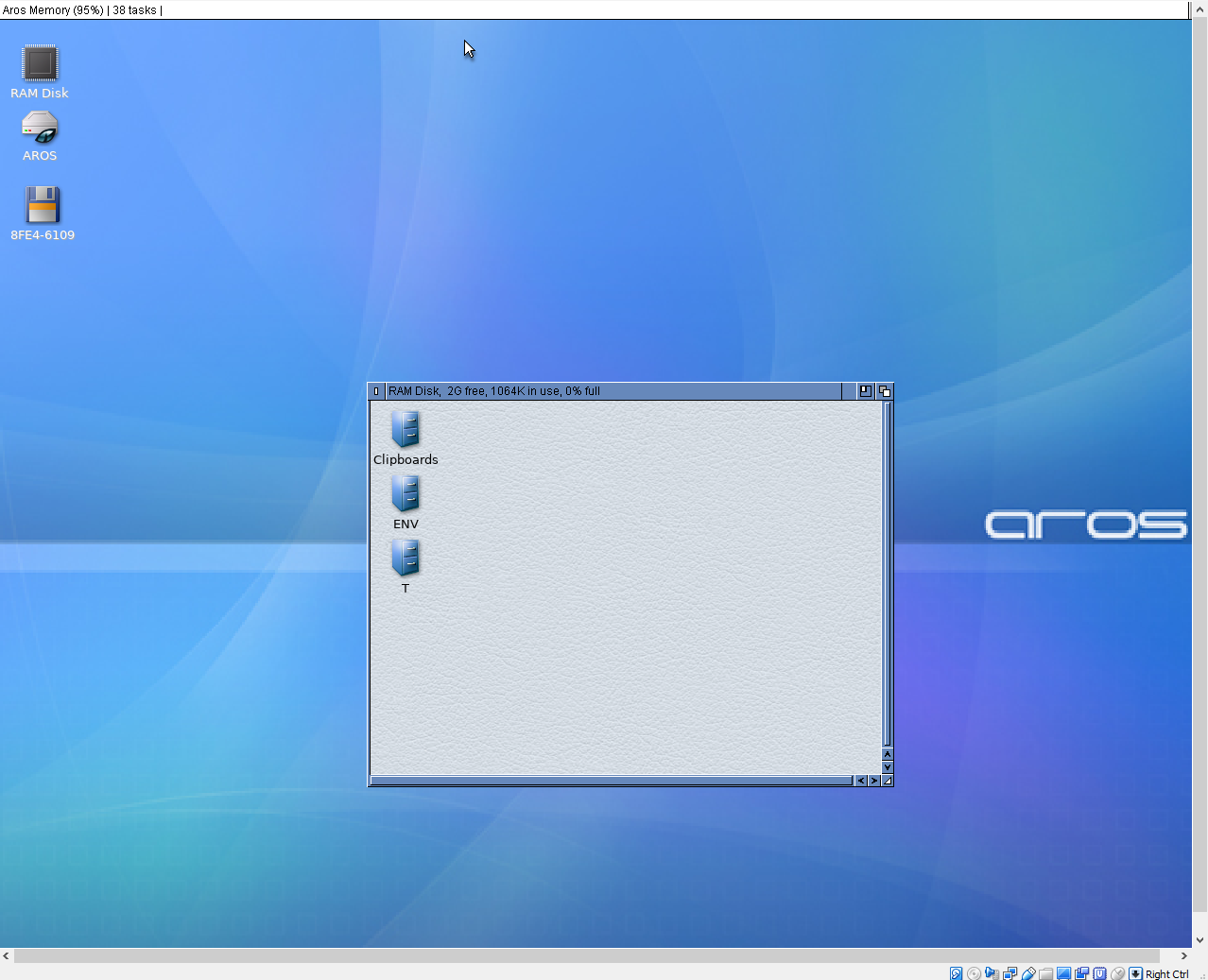
the screenshots are obviously from a test nightly. Developers commit changes and test it next day. That is in no way planned for end user like you. So depending on the platform you have different options.

like mine (68k based) in screenshot, the top secret distribution in aros Wink

but there are also other options like TinyGL or AresOne (PC)
Edited by OlafSch on 26-08-2026 14:35, 10 hours ago
OlafSch attached the following image:
aros39_1.png
N
ntromansVeteran Member
Posted 10 hours ago
I'm wondering rather than a PDF (whch would not have working hyperlinks with AROSpdf), what about a html document? Rather than needing OWB to load this, we do have a html datatype but can this handle images? I'll have to investigate. This could be backed up with a PDF version if anyone wanted to print it. Of course there's AmigaGuide; I love it but it might look a bit 1990s to new users. Another alternative is a Hollywood presentaton; that could be made to load up a script to make the content easily editable but woudl not then be available for e.g. the RPi version.

Could ithe files for teh guide be hosted somewhere so those of us contributing could add to it as a combined effort?

@miker1264 Looking forwards to seeing the new theme.

I think beauty is very much in the eye of the beholder; what looks great to one user could have another reaching for the prefs, so keeping freedom of choice is important I feel. Having a diverse range of themes is valuable; I like the 3D look but some of my students, used to the Windows 'flat' look of recent years, thought it was dated. Saying that, fashions change and I think read somewhere the 3D look might be coming back into vouge. In any case, a range of themes from classic Amiga though to full Star Trek would be good.

A graphical Themes editor would be very useful; I've made some changes by hand using Editor and it's not what would be called user-friendly. Also, directly after after an install maybe launch a tool to set the theme before first boot? Possibly set other prefs too such as locale and keyboard so they are all in place immediately? Obviously with the option to skip if this if not needed.

@matteo I can only echo again what's above; if you would like videos to just play on clicking, all the software you could wish for insatlled in logical locations etc. please do look at the AROSOne and TinyAROS distributions, it' all set up for you. You don;t even need to install, the distributions are 'live' drives.

To address some of your other questions:

Prefs - the names of these are inherited from the Amiga so very familiar to those of use who used them back in the day, maybe not so much to others. PSI is for public screens (creating, opening and closing), icontrol is short for Intuition control, Intuition being the name of the Amiga's original GUI system. However, I can appreciate that to someone not from the Amiga tradition they could be a bit confusimg.

A suggestion (although I think someone did mention this though a few months ago): as an alterntive to the prefs drawer, pull up a single window listing all the possible settings (MorphOS has soemthing like this) with 'plain vanilla' names. All selecting an option would do is open the appropriate prefs program, so it would not alter the traditional prefs setup, just add another route into it.

'X' on the right. I think there might be a theme that does this, and maybe it could be an option in the postulated themes editor However, it would never be the default as the Amiga always had it's close-button in the left-hand position, and for good reason, so you can't accidently hit it when fiddling with the resize and back buttons, especailly if using a touchscreen. I think Windows and Linux should move their close buttons to the left...

Applications: pdf viewer - please see AROS:tools/arosdf for the pdf viewer. Again if you install a distribution just clikcing on PDF file will launch it. Writing optical media is through Fryingpan, but that needs some more attention before it will work on x64. To search for a file or program, just use the Wandrer menu window/find.

One final observation. I guess for myself I value function over appearance. I know someone with an A1200NG system. We tried to copy a file across to it using a SFS formatted USB; the system, which calims to be an Amiga, could not mount it. Enough said...

Cheers,
Nigel.

O
OlafSchMember
Posted 10 hours ago
@ntromans

AROS is inherited from AmigaOS. A AmigaOS user knows the splitting of the preferences in small preferences as normal, for someone coming from a different OS that might be different. That is true for any system, Windows is different to MacOS, MacOS different to Linux. It is difficult to make everyone happy.

I think best would be to have a online page with "how to" sections describing where to change something. What in many cases depend in my view from the desktop used. There are several desktops on Aros. Perhaps someone describing differences between platforms like MacOS and AROS.
Edited by OlafSch on 26-08-2026 14:50, 10 hours ago
N
ntromansVeteran Member
Posted 9 hours ago

OlafSch wrote:

@OlafSch - @ntromans

AROS is inherited from AmigaOS. A AmigaOS user knows the splitting of the preferences in small preferences as normal, for someone coming from a different OS that might be different. That is true for any system, Windows is different to MacOS, MacOS different to Linux. It is difficult to make everyone happy


Absolutely, so try as much as possible to give different ways to achieve the same action. As mentioned, MorphOS does this quite nicely for prefs. You can also access them from a drop-down in the title bar, which I do like. Getting feedback from new users is valuable; what's entirely obvious to us old users can look odd to the poor unfortunates brainwashed into Windows...

Cheers,
Nigel.
M
miker1264Software Dev
Posted 9 hours ago
@ntromans

And others...

I like the idea of an HTML manual for an AROS User Guide. Maybe it could be hosted on the AROS site.

I also like the idea of the Welcome! Text file on the Desktop for new AROS installations. It provides information and links (online manual) for new users. And PDF documents in the Docs Drawer.

The Prefs Panel is a great idea! I like that too. Icons in a window that launch Prefs?
Edited by miker1264 on 26-08-2026 15:38, 9 hours ago
cdimaurocdimauroMember
Posted 8 hours ago

matteo wrote:

@matteo - i propose to open a "project", maybe in github, where is possibile discuss the design of aros default.
Perhaps the results of these discussions could be followed by contributors, if they'd like, to provide direction. Or, if there are tools for modifying aros, use them to adjust the default look and feel.

I propose to create a base Look And Feel for new users more polished, clean.

If a developer ask to test a build, you need to have something usable and not waste hours and hours trying to get something manageable going.

My experience:
- aros test build of deadwood in vmware workstation
- no browser, no internet connection
- how copy contrib? tested wget in shell... no. i created a iso with zip, then create a dvd and copy files... error

It's difficult

The default from the plain AROS should be the look & feel of the Amiga o.s. 3.1.

It's the baseline.

An AROS distro can have a completely different look & feel, and being super-customized.
cdimaurocdimauroMember
Posted 8 hours ago

miker1264 wrote:

@miker1264 - @ntromans

And others...

I like the idea of an HTML manual for an AROS User Guide. Maybe it could be hosted on the AROS site.

Indeed. HTML is already there for purposes like this: you don't need to reinvent the wheel.
M
miker1264Software Dev
Posted 8 hours ago
@cdimauro

"The default from the plain AROS should be the look & feel of the Amiga o.s. 3.1.

It's the baseline.

An AROS distro can have a completely different look & feel, and being super-customized."

I agree with both statements. The default baseline should be Amiga OS 3.x look blue-grey theme. That is for basic AROS. It's easy to configure.
N
ntromansVeteran Member
Posted 5 hours ago

miker1264 wrote:

@miker1264 - @ntromans

(snip)

The Prefs Panel is a great idea! I like that too. Icons in a window that launch Prefs?


Yes, that's mu thinking.

Cheers,
Nigel.
amigamiaamigamiaAdmin
Posted 3 hours ago

ntromans wrote:

@ntromans - @amigamia I think it might definitely be worth looking into a FAQ page. I did have a poke around in the blogs page but couldn't see a way to actually start one; I was probably missing something really obvious.


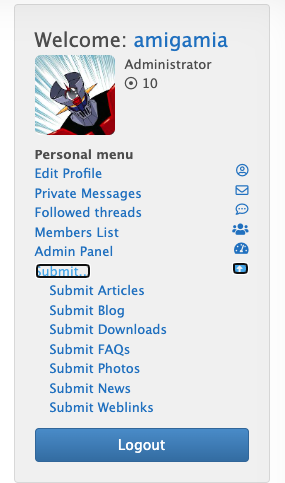
How about from the "Submit" option in your welcome block for your profile? There you can see all other options to submit. Article seems a good place where to write something up that can be used for what we are discussing here. Try them out and let me know if you want to make changes (i.e. Categories, etc.)

www.arosworld.org/infusions/forum/attachments/screenshot_2026-08-26_at_93017pm.png
Edited by amigamia on 26-08-2026 21:48, 3 hours ago
amigamia attached the following image:
screenshot_2026-08-26_at_93017pm.png
You can view all discussion threads in this forum.
You cannot start a new discussion thread in this forum.
You cannot reply in this discussion thread.
You cannot start on a poll in this forum.
You cannot upload attachments in this forum.
You can download attachments in this forum.
Moderator: Administrator
Users who participated in discussion: amigamia, AMIGASYSTEM, ntromans, Amiwell79, cdimauro, miker1264, OlafSch, matteo, sonountaleban