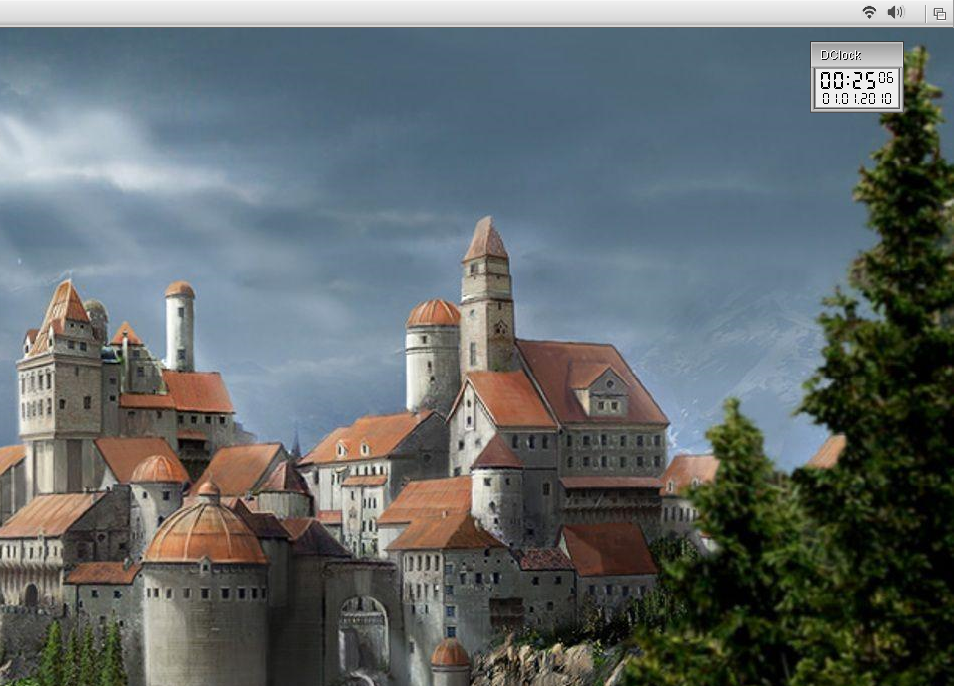
I'm planning three new, ambitious projects that are add-ons for AROS.
These aren't required, they are completely optional. ;-)
All three are Icons Applications. The first two are Quick Launch Prefs Apps. One of them is at the top of the screen, the other is a tabbed panel in a window. The third app is an application launcher fixed at the bottom of the screen.
It's better to show them in action as proofs of concept rather than as an explanation of how they work. ;-)
More to follow...
Edited by miker1264 on 12-09-2026 12:02,
4 days agoLooking forward to seeing these in action! :-)
I’ve had a related idea in the back of my mind for a while: a keyboard-driven launcher for AROS, something along the lines of Alfred or Raycast. Press a shortcut, start typing an application’s name, hit Enter to launch it.
Nothing quite as elaborate as those tools to begin with, just a quick way to open things without having to find the right icon or navigate through drawers. I’d love to have something like that on AROS.
I'll check on once in a while. I'm rebuilding the front deck on my house! :-)
My sources for ABIv1 have been updated. Thanks to some much needed & much appreciated assistance. :-)
I'm still going over the instructions for the Aarch64 cross compiler. I want to make sure I set it up right.
Edited by miker1264 on 14-09-2026 23:31,
1 day agoLinux has GPartEd and soon AROS will have PartED (not sure about the name) that Kalamatee is working on. Amiga OS 3.3 will have PartED which I assume is also graphical partition editor. Amiga & Icaros Desktop had AmiStart with Start Button & Start Menu like Windows 95/98 had. So, it's perfectly fine to borrow ideas from other OS'es if it's done in an AROS way and if it makes sense.
In order to make it easier for new users especially who see a drawer full of Prefs and they are clueless, I've been thinking about how to do things to make it easier with some add-on applications that users or distro maintainers may install.
So here's one of my concepts. It's called "Quick Launch Prefs". At startup the program gets a list of the installed hardware (DOS List?) then it loads little black icons from a drawer (Prefs/Presets/Images). They're based on installed hardware.
The images are drawn in the rasterport of an invisible, borderless window. When the user clicks in the window we get the mouse coords & launch the associated Prefs App.
Can you see them in the top right corner of the Screen Titlebar? These are a proof of concept painted in PaintDotNet. They aren't real yet. ;-)
Edited by miker1264 on 15-09-2026 10:21,
19 hours ago
miker1264 attached the following image: